AI discovery booking
Show up when someone asks ChatGPT or Claude for a local provider. Assistants can find opted-in businesses and start a booking — customers still finish confirm and payment on BookingLink.
Before you start
- Complete Profile (name, address, bio) so search results look real.
- Turn Show in the near-me directory on — AI search only returns listed businesses.
- Keep Accept bookings on in Settings → Bookings.
- Keep Services and Availability current so assistants see real slots.
- Add a platform card under Settings → Billing so public booking stays unlocked.
See it in action
See it
AI booking docs customers and assistants use to connect
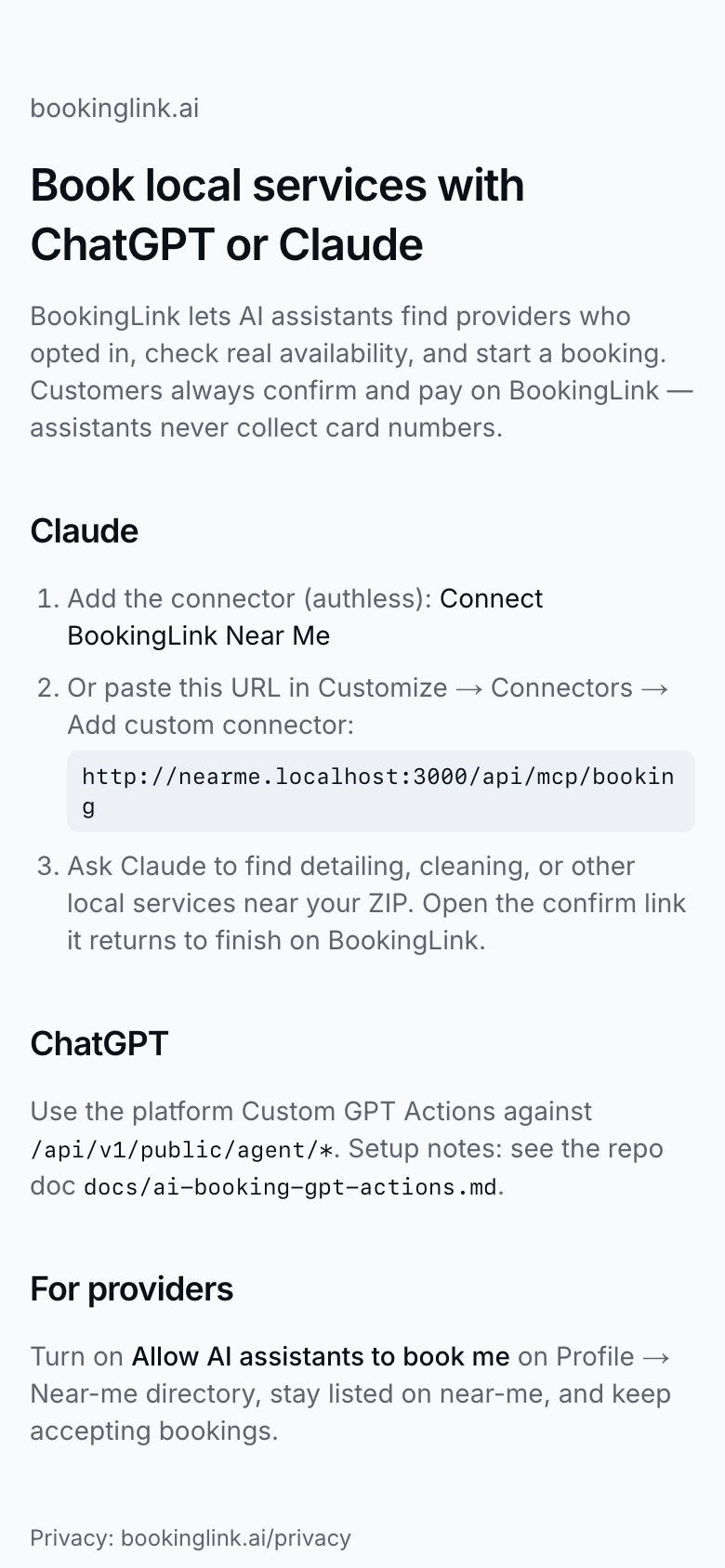
Public setup docs at /docs/ai-booking explain connector URLs and handoff rules for assistants.
Turn AI discovery on
- Open Profile.
- Open the AI assistants section, find Allow AI assistants to book me, and turn it on.
- When it is on, copy the Claude connector URL shown under the toggle if you want to share the Claude custom connector.
- Point people (or your own docs) at /docs/ai-booking for ChatGPT Actions and Claude MCP setup.
AI search returns you only when Allow AI assistants to book me, near-me listing, and accept bookings are all on.
What the customer experiences
- Someone asks ChatGPT or Claude for a provider; the assistant searches opted-in listings.
- The assistant can list your services and check open slots (for we-come-to-you they should pass the customer's location so drive time is considered), then start a booking intent.
- The customer opens your public book link (`/book?intent=…`) with a “started in ChatGPT/Claude” banner.
- They confirm details and pay on your BookingLink page — never by giving a card to the assistant.
- The booking lands in Bookings like any other confirmed job.
Tips
- Assistants never collect card numbers.
- Treat AI discovery like another top-of-funnel channel next to near-me and your shared booking link.
- If listing or accept-bookings is off, Profile shows a hint under the AI toggle until you fix it.
- Keep /docs/ai-booking handy when someone asks how to connect an assistant.