Marketing tracking
Measure which ads and campaigns turn into real bookings. Paste your platform ids once — your public booking page fires the events automatically.
Before you start
Platform card on file under Settings → Billing — tracking setup is card-gated.
See it in action
See it
Tracking integrations for Google Ads, Analytics, Tag Manager, and Meta
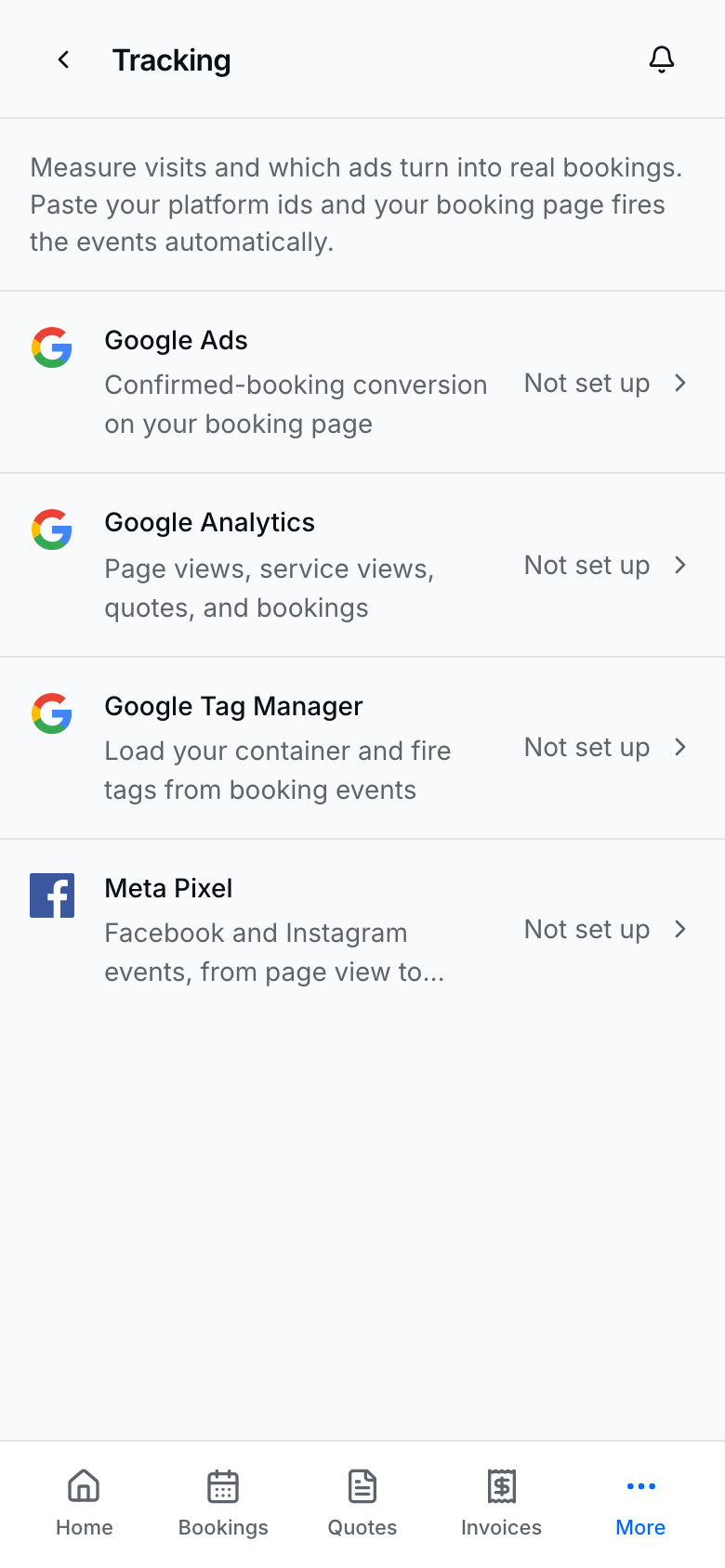
Open Marketing → Tracking to connect each platform.
Connect a platform
- Open Marketing → Tracking.
- Tap a row: Google Ads, Google Analytics, Google Tag Manager, or Meta Pixel.
- Paste the id (and Meta Conversions API token when you use CAPI — the token is write-only after save).
- Save the sheet.
- Confirm the row shows as connected / configured.
Ids ship in your public page HTML. You do not paste snippets into Profile by hand.
How this pairs with Analytics
- Analytics → Visits shows page traffic inside BookingLink.
- Tracking ids send events to Google / Meta so ad platforms can attribute conversions.
- Use both when you run paid campaigns — see Analytics dashboard.
Tips
- Wrong ids silently measure the wrong property — double-check before a big spend.
- Removing an id stops firing for that platform on the next public page load.
- Card-on-file is required before the setup sheets open.