Near-me provider directory
Get found by customers searching nearby — not only people who already have your link. A complete profile and directory listing put you in local results; Request a quote is the free inbound channel.
See it in action
See it
Near-me search for a ZIP or city before results load
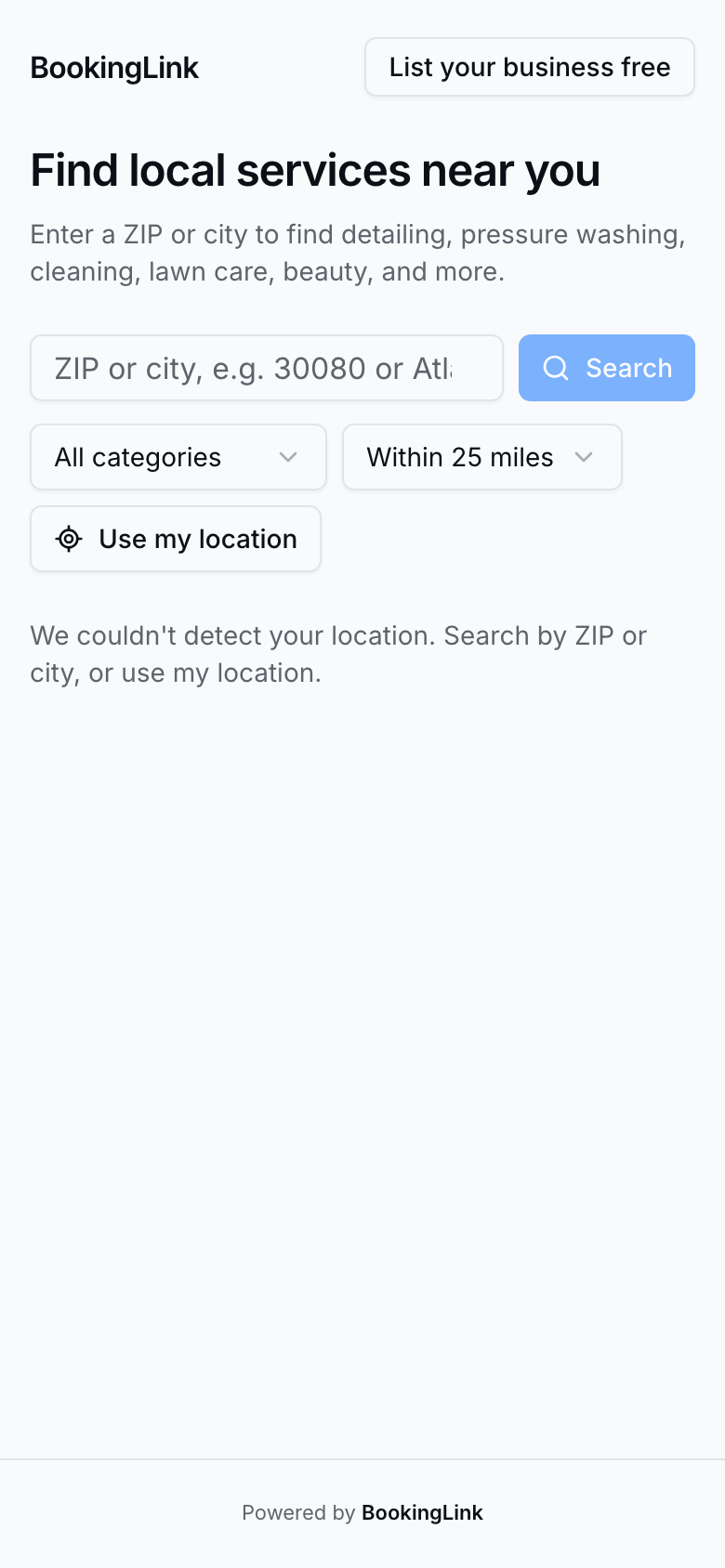
Customers start with a ZIP or city on the near-me directory (`nearme` on your product domain).
Get listed
See it
Near-me results showing Washit near Smyrna after a ZIP search
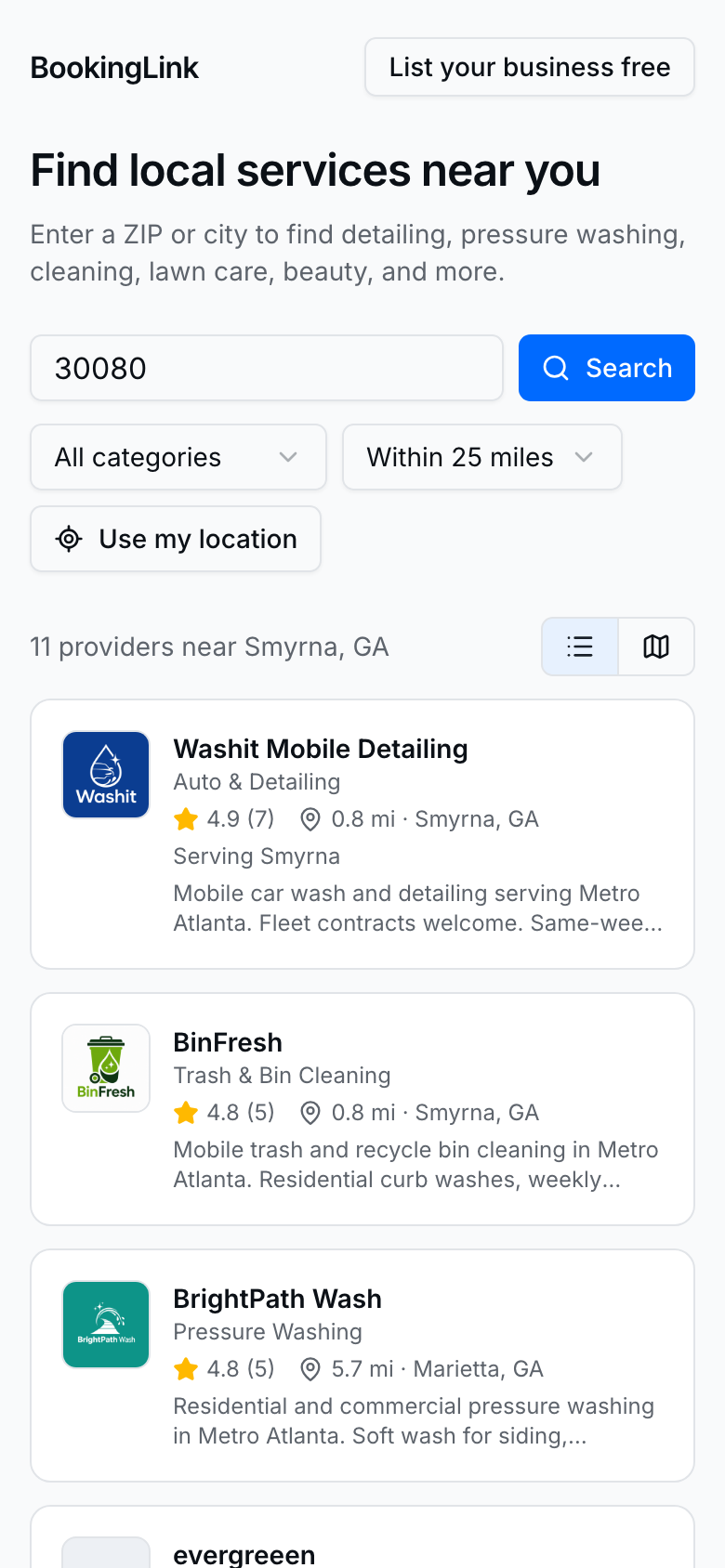
- Complete business name, type, and address on Profile.
- Turn Show in the near-me directory on (default on when eligible).
- Keep Accept quotes on in Settings → Quotes so public Request a quote works as the free inbound path.
- If you use a service area, keep ZIPs / places current under Settings → Bookings (service area section).
- Book now still needs your platform card and accept-bookings setup — listing alone does not unlock card checkout.
What customers do
- Open the near-me directory and search by ZIP, city, or category.
- Open your card → your public page.
- They Request a quote (free path) or Book now when you accept bookings and payments are ready.
- Quote requests land under Needs reply on Quotes — see Quotes & quote requests.
Tips
- Ranking uses distance, rating, and review count — Reviews matter.
- Categories follow your business type; customers can filter by place and category.
- Home and Profile show listed / finish-listing status when something is missing.
- Pair with AI discovery when you also want assistants to find you.