Take deposits & payments
Get paid (or a deposit) before you roll out. Card checkout on public links and Take payment in the app cut no-shows and awkward “pay later” chases.
Before you start
- Platform card on file — Settings → Billing (Add a card). This unlocks creating bookings, quotes, and invoices.
- Connect a processor — Settings → Merchants (Connect with Stripe / Connect with Square when enabled).
- Configure how customers can pay — Settings → Payments: Tenders (card online optional/required, offline methods), Fees, and Taxes.
The payment flow
1. Connect payments
Step 1
Payments settings for processors and fees
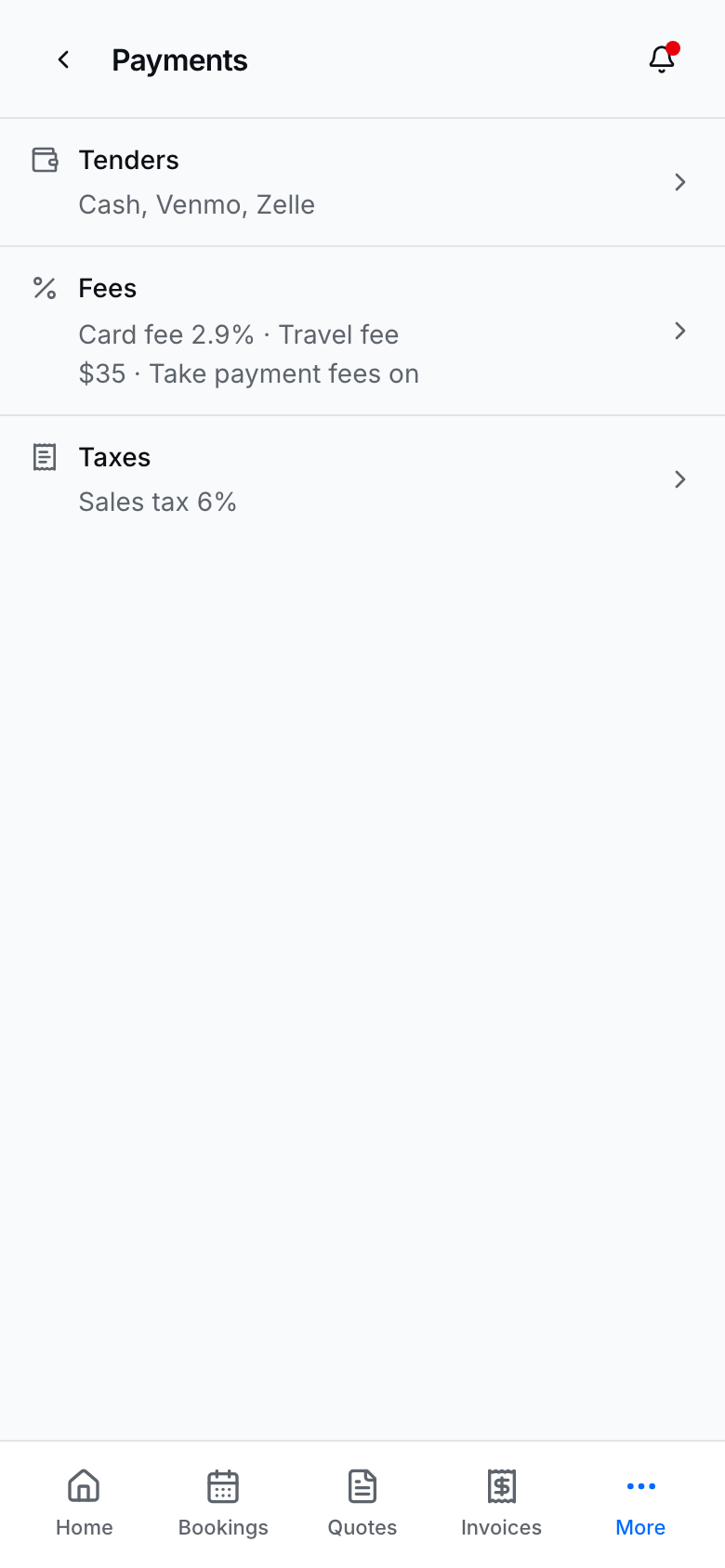
Finish Merchants + Payments so public checkout and in-app Take payment match how you actually collect money.
2. Collect on an invoice
Step 2
Invoice detail where you collect card payment
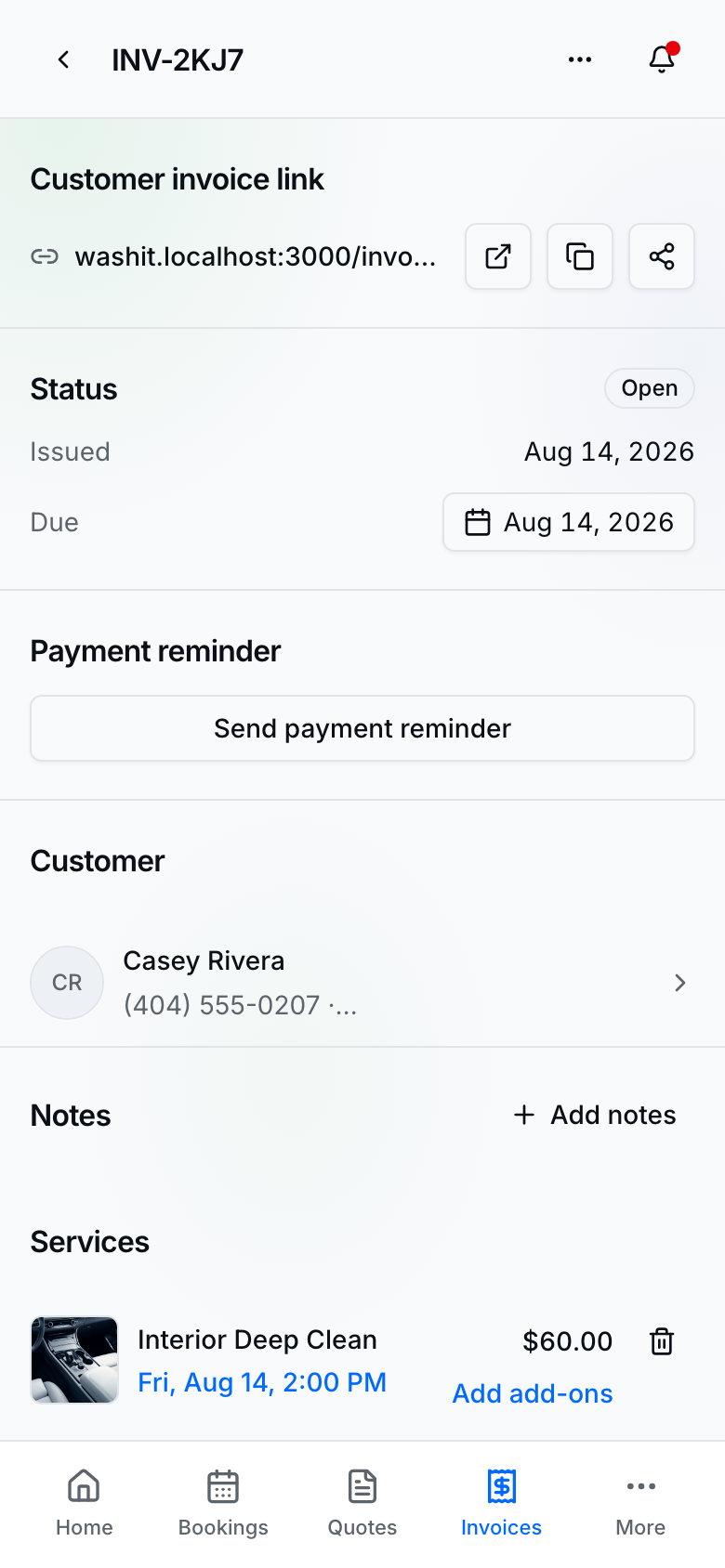
From an invoice (or booking with a linked invoice), Take payment or send the public pay / invoice link.
Deposits on services
- Open a service under Services.
- Turn Deposit on and set the deposit rule (flat dollar deposits never exceed the service price).
- Public booking and provider booking show Due today when a deposit applies.
Take payment in the app
- Open the booking or invoice → Take payment.
- Confirm totals (server-calculated), apply promo/sale when offered.
- Charge card or Record payment for an offline tender.
- Send Send payment reminder from the invoice when a balance remains.
Customer pays remotely
- Send the booking/invoice public link (or they use Pay my bill on your site).
- They complete card checkout on your branded pay page.
- Status updates in Invoices / Bookings when the charge succeeds (processor webhooks — not the success redirect alone).
Tips
- The platform fee applies when a customer payment posts (first payment per invoice / transaction rules) — not on unpaid drafts.
- Card-on-file is required before booking and billing create flows unlock; Connect `charges_enabled` is required before charging customers.
- Offline tenders (cash, Venmo, Zelle, …) are configured under Payments → Tenders.
- Platform invoices (your $1 / transaction bill) live under Settings → Billing — separate from customer invoices.
- Deep dive on money documents: Invoices.