Promos and sales
Fill slow days or reward repeat customers without rewriting every price by hand. Share a code or run a scheduled sale on the public booking flow and in Take payment.
Before you start
Platform card on file under Settings → Billing — marketing setup is card-gated.
See it in action
See it
Promo codes you can share on the public booking flow
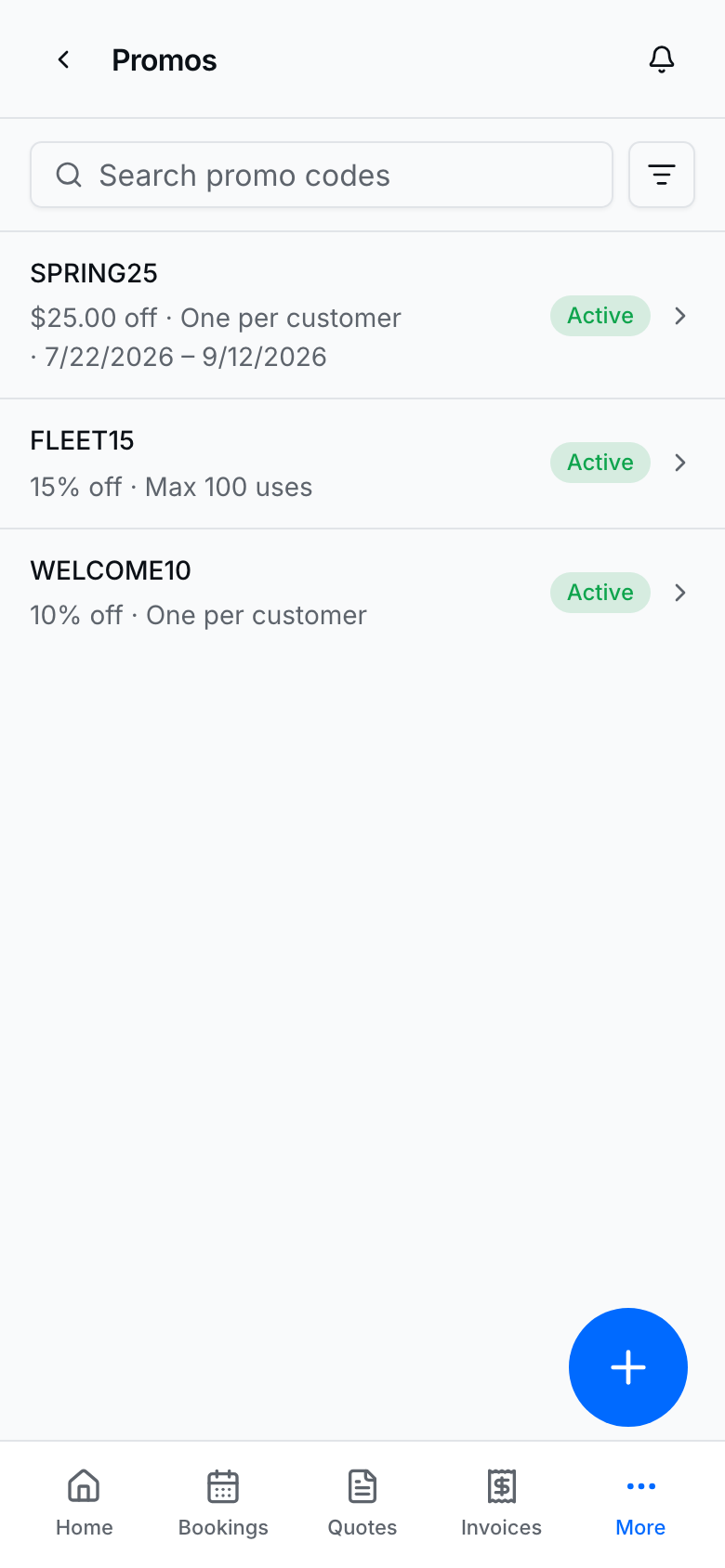
Create a code once under Marketing → Promos; customers enter it when they book if it is still valid.
Create a promo code
- Open Marketing → Promos → New promo (or the FAB).
- Set the code, percent or flat discount, start/end dates, and optional max uses.
- Turn on one-per-customer when you want phone/email uniqueness enforced server-side.
- Create promo code / Save changes.
- Share the code in texts, ads, or your bio. It also appears in Take payment when eligible.
Run a sale
See it
Sales schedule for automatic discounts on the public page
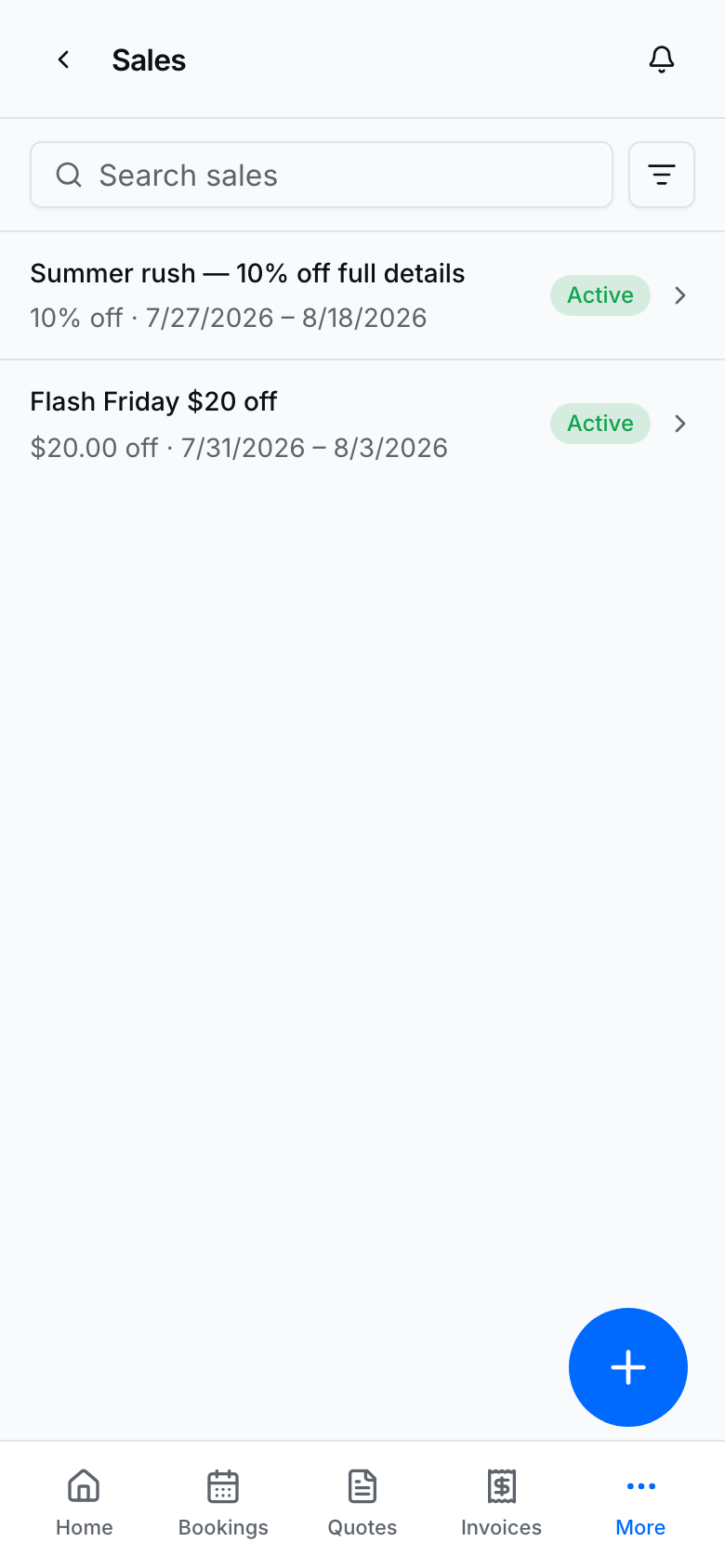
- Open Marketing → Sales → New sale.
- Name the sale, set discount type/value, date window, and optional category scope.
- Create sale / Save changes.
- Active sales apply automatically on the public page; a valid promo can override a sale when both apply (server rules).
See whether offers are working
Both list pages show three KPI rows (same layout as Services):
Promos — Redemptions · Discount given · Avg discount · Top promo; Active · Inactive · Redeemable · With limit; One per customer · Unused · Near limit · Ending soon.
Sales — Applications · Discount given · Avg discount · Top sale; Active · Inactive · In window · Ending soon; Booked value · All catalog · Categories · Services.
KPIs stay put when you change the Active/Inactive filter. Use them after you share a code or turn on a sale to confirm redemptions and discounts are landing.
Where discounts show up
- Public booking checkout (customer enters a promo code).
- Provider Take payment on bookings and invoices.
- Automatic sale pricing on eligible public catalog items during the sale window.
Tips
- Percent discounts cannot exceed 100.
- Flat discounts and deposits still respect service price caps on the server.
- When a promo hits its max uses, it stops showing in Take payment and public checkout.
- Pair with Analytics after you promote a code so you know the push landed.