Reviews
Turn finished jobs into public proof. Collect ratings on your page, ask for a review when the moment is right, and optionally hand customers off to Google.
See it in action
See it
Reviews inbox for ratings that show on your public page
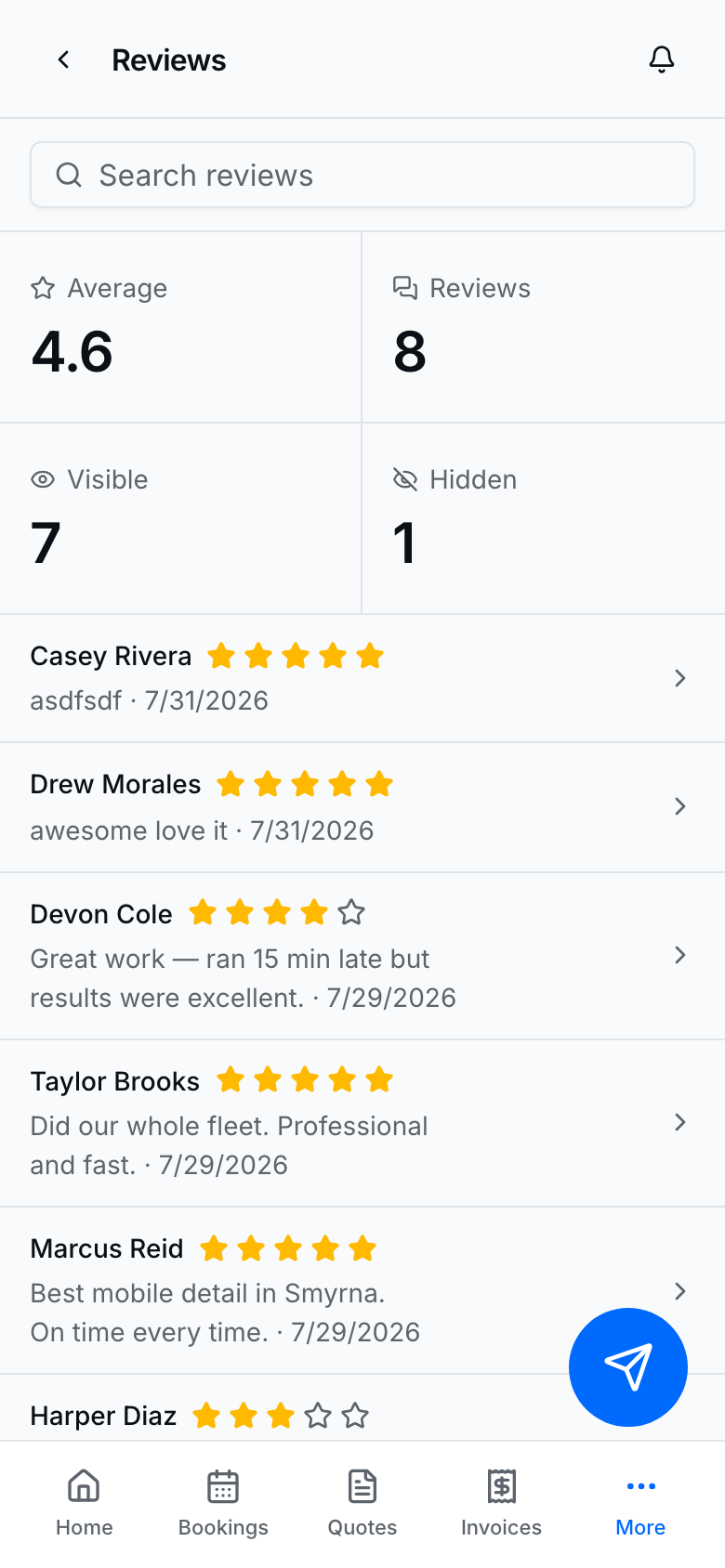
See your average and which reviews are visible before customers do.
Turn reviews on
- Open Settings → Reviews.
- Turn Accept reviews on.
- Paste your Google review link when you want Google handoff after a request.
- Turn Automated review reminders on if you want BookingLink to ask after eligible paid / completed work.
Request a review manually
- Open Reviews → Request a review.
- Pick the customer (and channel — text and/or email).
- Tap Send review request.
- Respect the cooldown — you cannot spam the same customer every hour.
Customers open the review link, leave a rating and optional comment, and can continue to Google when you configured a Google URL.
Moderate what shows publicly
- Open Reviews.
- Hide a review from the public page when it should not display (the record stays in your inbox).
- Check your public page so the visible set matches what you intend.